4.4×
4.4 times as many demo requests from the blog
Northline Software, HR software. 132 articles in six months, one every weekday. Today every second demo request comes in through an article.
Clicks a month
8,410+334%
Impressions
214,000+251%
Citapult finds the topics, writes 30 sourced articles a month, publishes them to your site and reworks the ones that slip. You start each article with a click and approve it.
3 days for $1. Then Regular price$199 now$99 a month per website. Cancel anytime before.
How to document a literature search: template and example
How to outline a research paper, with an example
APA 7 citations: rules and examples
How to write a term paper introduction
Research question examples: 12 to adapt
14 countries · 8 languages
For every kind of site: a local garden center, an online store, a marketplace, a news site, a software company, an agency with client sites, and an enterprise with many markets.
Rankings take a few months. You’ll see how good the writing is in three days.
4.4×
Northline Software, HR software. 132 articles in six months, one every weekday. Today every second demo request comes in through an article.
Clicks a month
8,410+334%
Impressions
214,000+251%
24→2
Clicks a month 3,120 +721%Impressions 88,600 +524%
Carter Heating & Air, home services. No marketing team. Citapult writes from the owner’s answers, and the leads now come in through Google.
214
Clicks a month 4,050 +553%Impressions 131,000 +498%
Brandt & Cole LLP, law. Articles that cite statutes and agencies. ChatGPT and Perplexity name the firm for questions about wrongful termination and overtime pay.
New: Citapult Visibility
Every week Citapult asks ChatGPT, Google AI Overview, Google AI Mode, Perplexity and Gemini who they recommend, and checks your Google positions down to 100. Where others get named, you get a suggestion. With Articles, one click turns it into a planned article.
Per website a month. On its own or with Articles.
Keyword: employee onboarding checklist · 480 searches/mo
On the left, a paragraph the way AI writing tools usually deliver it, recreated by us. On the right, the opening of the Citapult article, word for word.
In today’s fast-paced business landscape1, onboarding is more important than ever.Studies show that 69% of employees stay longer2 after a great onboarding experience. That’s why an employee onboarding checklist isan essential tool that empowers organizations to seamlessly integrate new hires3 and unlock long-term success.Let’s dive in!4
TL;DR: An employee onboarding checklist organizes paperwork, equipment, introductions, training, and feedback from offer acceptance through early employment.1 Prepare the employee’s workspace before arrival, clarify expectations during the first week, and schedule progress reviews. Assign every task an owner, a due date, and evidence of completion.2
An employee onboarding checklist is a guide that tracks administrative tasks and orientation activities3 for a new hire. Use the checklist below as a starting point, adjusting assignments to the role and work location. Keep legal deadlines separate from your suggested training milestones.
TL;DR: An employee onboarding checklist organizes paperwork, equipment, introductions, training, and feedback from offer acceptance through early employment. Prepare the employee’s workspace before arrival, clarify expectations during the first week, and schedule progress reviews. Assign every task an owner, a due date, and evidence of completion.
An employee onboarding checklist is a guide that tracks administrative tasks and orientation activities for a new hire. Use the checklist below as a starting point, adjusting assignments to the role and work location. Keep legal deadlines separate from your suggested training milestones.

Run #481212 min 40 s
Your first article is ready the same day.
Citapult reads your site and learns what you sell.
The questions your customers ask Google and ChatGPT, ranked by value.
Every day at 9 AM, for example. Citapult plans the month, and one click starts each article.
Read it over and click. Or let Citapult publish on its own.
Up to ten destinations at once. Auto-publish at the time you set. Images with alt text go straight into your WordPress or Webflow media library.
Questions with search volume that your competitors answer poorly.
See keyword researchTopic ideasyour-site.com · 5 topics
ExampleWrite firstThesis proofreading cost
Business value 5 of 5
Then
A short interview is all it takes. Your examples and your terms end up in the text.
See the article agentInterviewHow to cite in APA 7
Question 2 of 5Which APA mistake do you see most often in student papers?
The page number is missing on direct quotes. And people write “et al.” for two authors.
Common mistakes
The most common mistake in term papers: direct quotes without a page number. The right form is (Miller, 2021, p. 14). And “et al.” only starts at three authors; with two, you name both.
The answer up top, sources in the text, a clear structure. That’s how AI answers come to name your page.
See GEOArticleyour-site.com/blog/apa-7
ExampleHow to cite in APA 7: rules and examples
In APA 7 you give the author and year in the text, and the page for direct quotes: (Miller, 2021, p. 14). From three authors on, you shorten with “et al.”
AuthorsIn the text
One(Miller, 2021)
Two(Miller & Smith, 2021)
Three or more(Miller et al., 2021)
American Psychological Association (2020). Publication Manual, 7th edition.
The cover and graphics come out of the same run, in your colors.
See imagesImagesHow to cite in APA 7 · made in the same run
Example
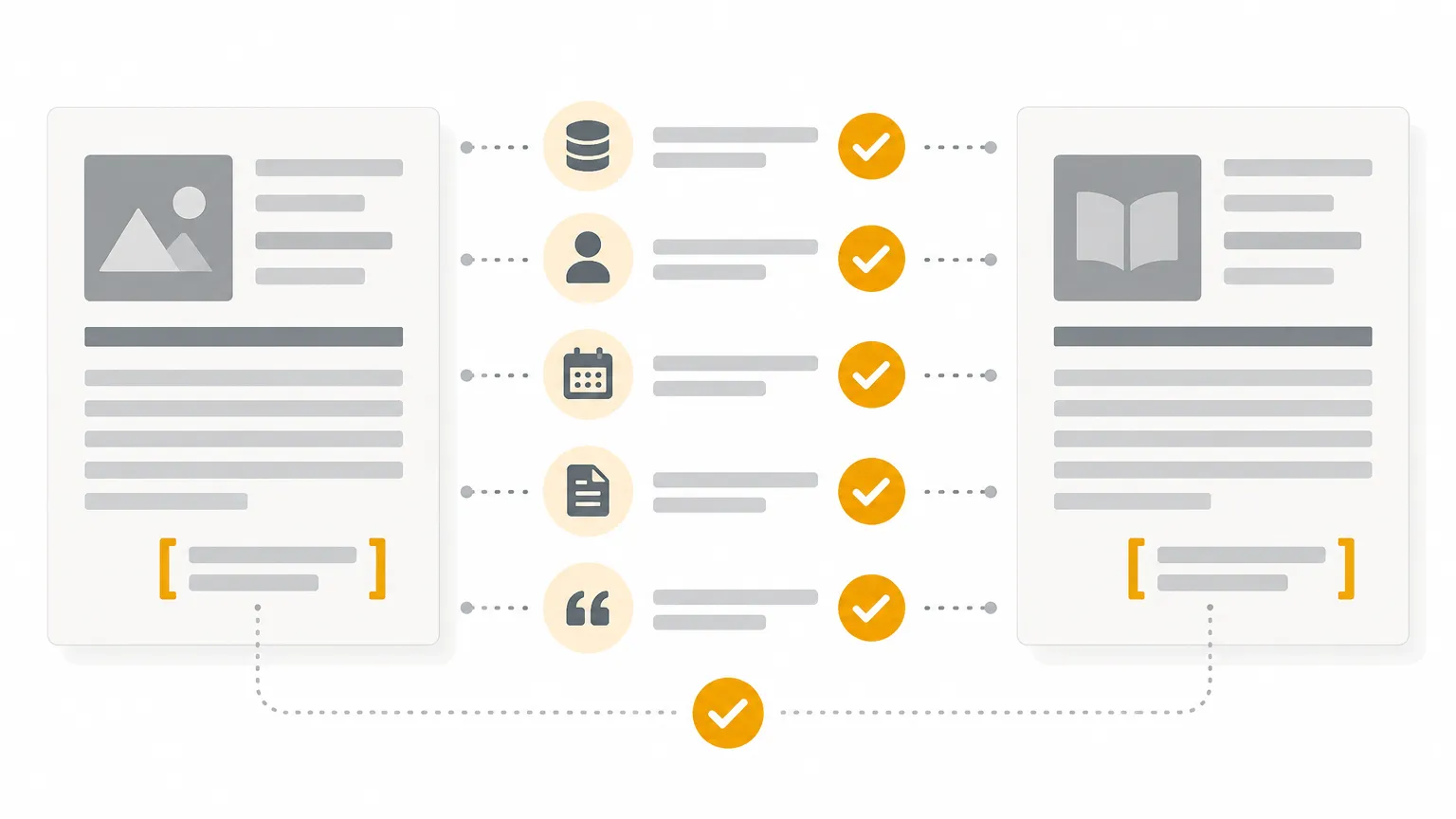

WordPress, Webflow, Next.js or a webhook. With internal links to your pages.
See publishingWordPressyour-site.com/blog/apa-7
Published · Tue 9:00 AM“Harvard referencing”Section 2→ /blog/harvard-referencing
“Using footnotes”Section 3→ /blog/footnotes
“Reference list”Section 4→ /blog/reference-list
“Proofreading”Conclusion→ /proofreading
Citapult reads your Search Console and brings you concrete changes to approve.
See Search ConsoleSlipping articlesSearch Console
ExampleHow to outline a term paper, with examples
6→14
Position in 8 weeksClicks / week 84 → 31
8 weeks agotoday
When an article slips, it goes back to the article agent.
“I’m a gardener, not a writer. Citapult asks me a few questions about how I trim hedges, and that turns into an article that sounds like me.”
“Our teas now show up with a photo and a link right inside the buying guides.”
“We run eleven client sites in three languages from one account. Each one gets its own topic plan.”
Placeholder: invented people, real quotes to come.
Articles writes and publishes. Visibility checks every week who ChatGPT, Gemini and Google name. Both run per website, each with its own subscription.
Citapult finds the topics, writes with sources and publishes.
Regular price$199 now$99 per website a month
3 days for $1. Cancel anytime before it ends.
Every week in ChatGPT, Google AI Overview, Google AI Mode, Perplexity, Gemini and on Google down to position 100.
from $59 per website a month
See where AI names someone else, and close the gap with an article.
from $158 per website a month
Regular price$199 now$99 Articles Pro + $59 Visibility Basic
A discount by the number of your paid websites, on each website’s Pro and add-ons, starting with its next invoice: 10% from 2, 15% from 5, 20% from 20. Language packs and their article add-ons are excluded. Prices include applicable taxes. The Pro trial turns into Pro after 3 days unless you cancel before. Each website has its own billing month and can be canceled at its end.
See pricingNo, not for being written by AI. Google rewards content that helps searchers. That’s why Citapult backs numbers with sources, and every article can include your own answers.
ChatGPT writes when you ask. Citapult finds the topics, reads the top 10 and every source, creates images, adds links, publishes, and then keeps an eye on the rankings.
Yes. Every article lands in the editor first and waits for your approval. If you like, Citapult publishes on its own.
Yes, to WordPress, Webflow, your Next.js site or through a webhook. The guides walk you through every step.
Citapult reads the sources before it writes and links each one in the sentence it supports. The webhook uses Outrank’s format, so your blog keeps running without changes. See the comparison
Nothing, if 30 articles per website a month in one language is enough. Each further language needs a language pack: a website’s first 3 packs cost $79 each, every pack after that $59. For each website on Pro you can also add premium images for $49, link targeting for $29, a product catalog for $49, visibility from $59, or, per language, 60 instead of 30 articles for $85 or 90 for $160, each per month. You can remove an add-on or language pack anytime, and it runs until the end of the month you paid for. The trial has no add-ons or language packs. A discount by the number of your paid websites, on each website’s Pro and add-ons, starting with its next invoice: 10% from 2, 15% from 5, 20% from 20. Language packs and their article add-ons are excluded. It’s all on the pricing page.
Every article you create or generate from the calendar counts once. Later edits in the editor and rewrites from Search Console don’t count. The 30 articles are for a website’s main language, and each language pack brings its own 30. Unused articles expire at the end of that website’s billing month.
14 countries: the US, the UK, Canada, Australia, Germany, Austria, Switzerland, France, Spain, Italy, the Netherlands, Portugal, Brazil and Poland. Citapult writes in eight languages. One website can have several, say English for the US and German for Germany. Each further language needs a language pack and gets its own keywords, links and 30 articles a month.
Yes. You can use, edit and publish them without restriction, including for your clients.
Projects, articles and images are stored in Frankfurt, Germany. The privacy policy lists which providers process what.
After three days, Pro continues at Regular price$199 now$99 a month for that website. You cancel each website on its own in the app under Billing. Cancel during the trial and it runs to its end, with nothing more to pay. Cancel later and Pro ends with the month you’ve paid for. The articles stay, and you can still edit and download them.
Then Regular price$199 now$99 a month per website. Cancel anytime before.